
I love to keep my house fresh and inviting, and sometimes that means I have to “rethink” where furniture pieces are placed. A new need has arisen and the current arrangement isn’t working as well as it had in the past. But moving heavy pieces of furniture from room to room is exhausting, especially when the idea I had in my mind just doesn’t look right and we have to move it again! **Sigh**
I made a recent discovery that has made this whole process so much easier, and it’s all due to a simple tool on my iPhone! Have you tried using “stickers?” on your phone? Here’s how it’s done.
To make a sticker on an iPhone, you can use the main subject of a photo:
- Open the Photos app
- Tap a photo to open it in full screen
- Touch and hold the subject
- Tap Add Sticker
- The sticker will appear in your sticker drawer
- To use the sticker, open a message, click the plus icon, and then select Stickers
- Select a sticker and send it
To add visual effects, such as Outline, Comic, or Puffy, tap Add Effect. Puffy adds a depth effect that changes as you tilt your phone.
To delete a sticker, open iMessage, tap the plus, then Stickers, and long-hold on the sticker you want to delete.
In short, you can “remove” something from the picture by putting your finger on it. You can add a person into a group photo, or add your cat to a text message. These are so much fun to add to text messages, however, I used them to help me decide the placement of furniture before I moved it!
- I took a picture of the furniture I wanted to move.
- I made a sticker with that piece of furniture
- I took a picture of the place I wanted the furniture to go.
- I placed the sticker of that furniture on the picture!
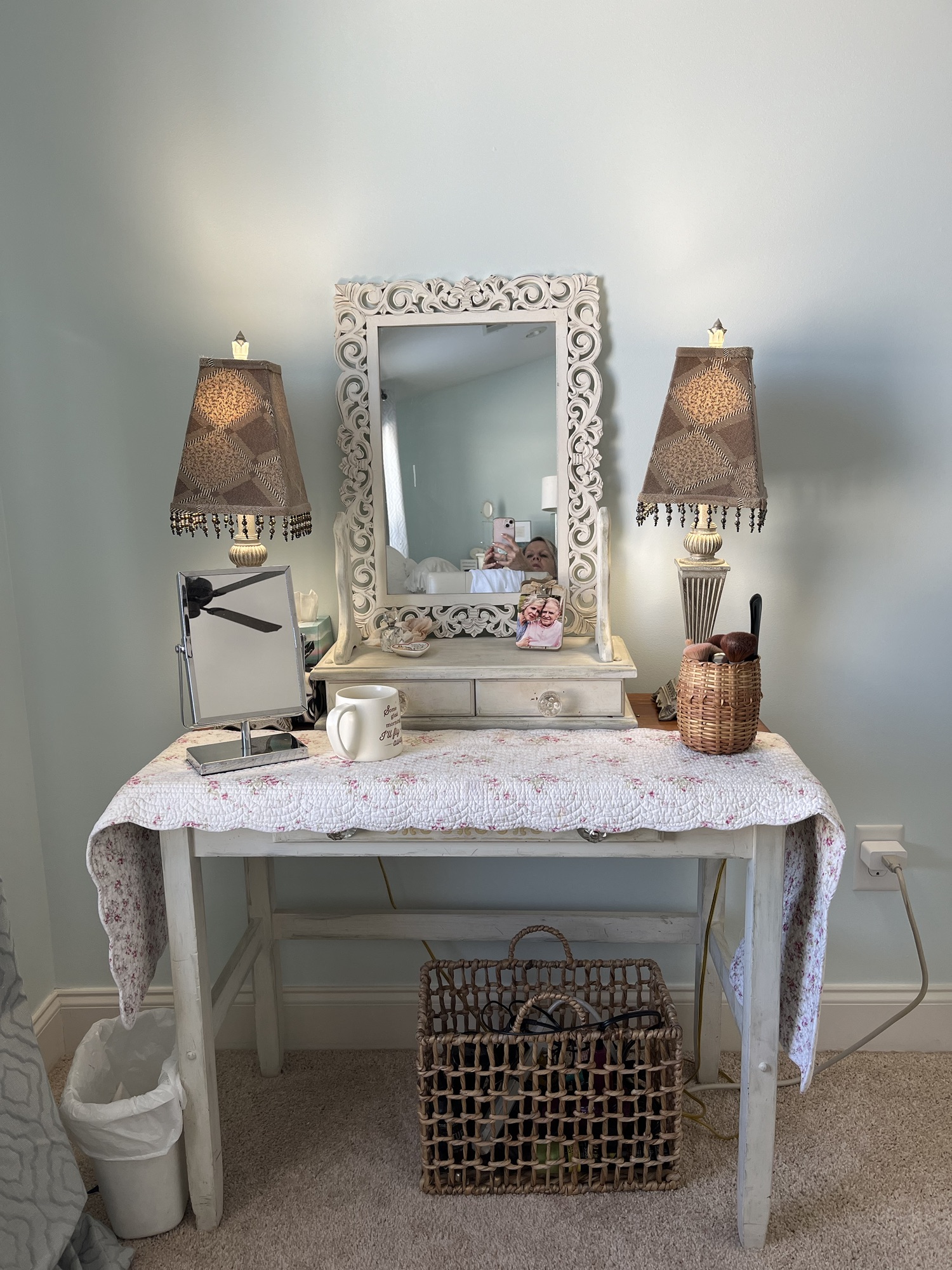
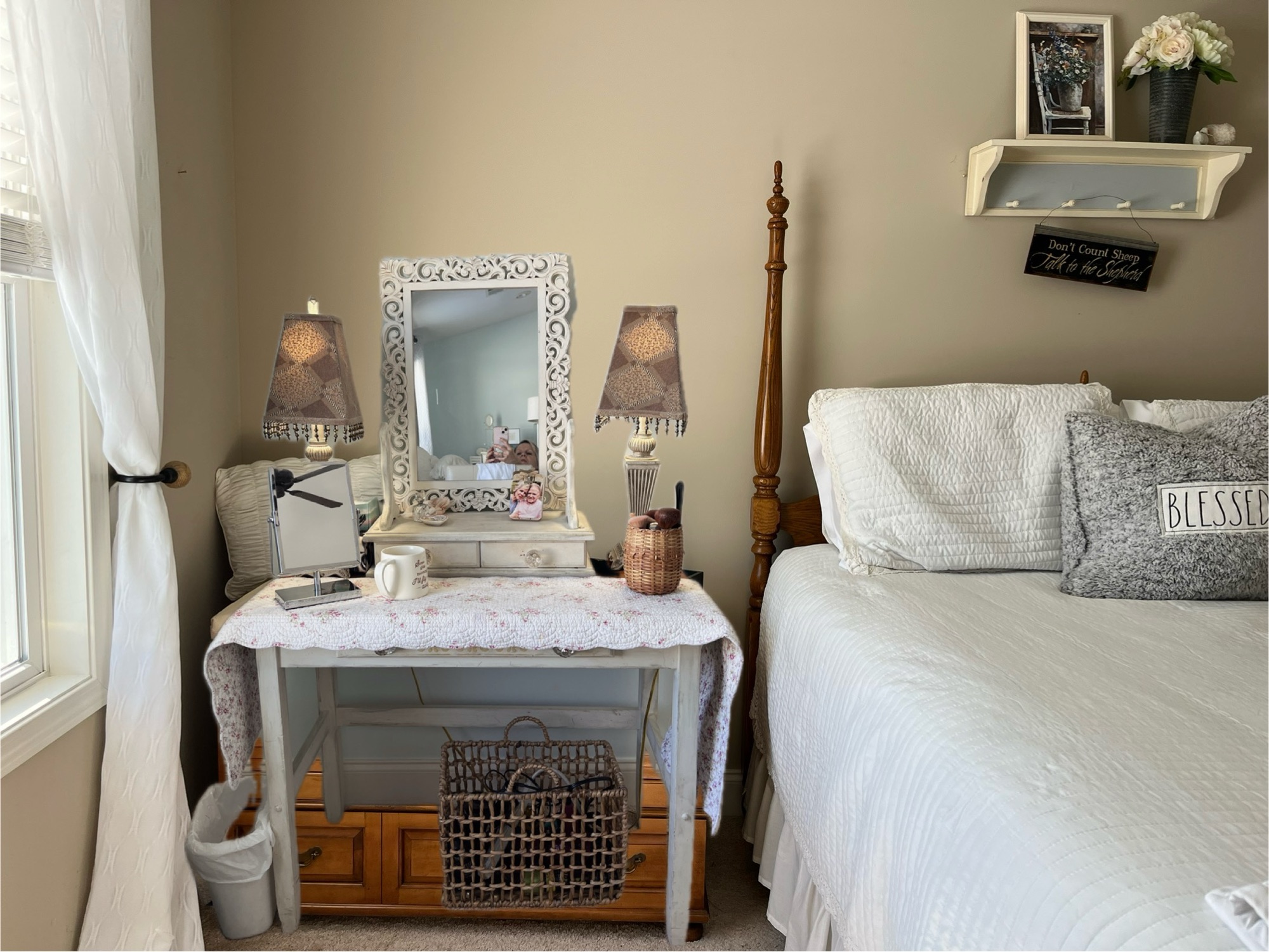
When I took that picture, I knew the pieces would look perfect there! Then my husband and I moved the pieces around without having to move more than once!
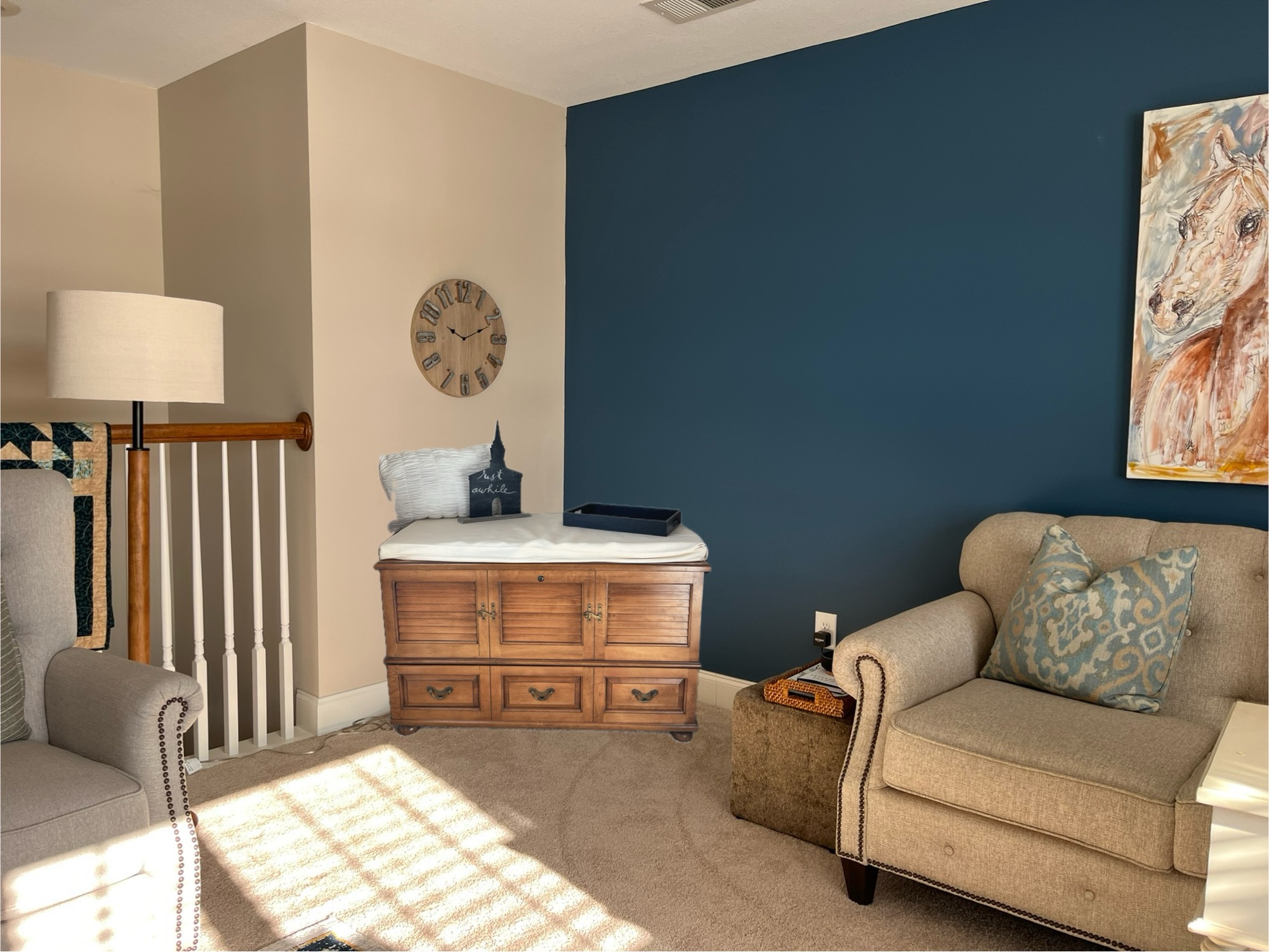
Here’s another picture of where I thought about putting the cedar chest. I was looking for something that could serve as a coffee bar in my family room. I really didnt’ want to purchase something, but use what I already had. Shopping my house brought my attention to the cedar chest in the spare room. So here’s the picture with the sticker of the cedar chest kind of in the right spot. It looks like the cedar chest is actually in the room, doesn’t it? It’s just the sticker of it! But seeing it made me realize that I would like it there BEFORE I had to move it. (It’s heavy!!)
Now let me show you how the rooms actually looked once the furniture was all moved!
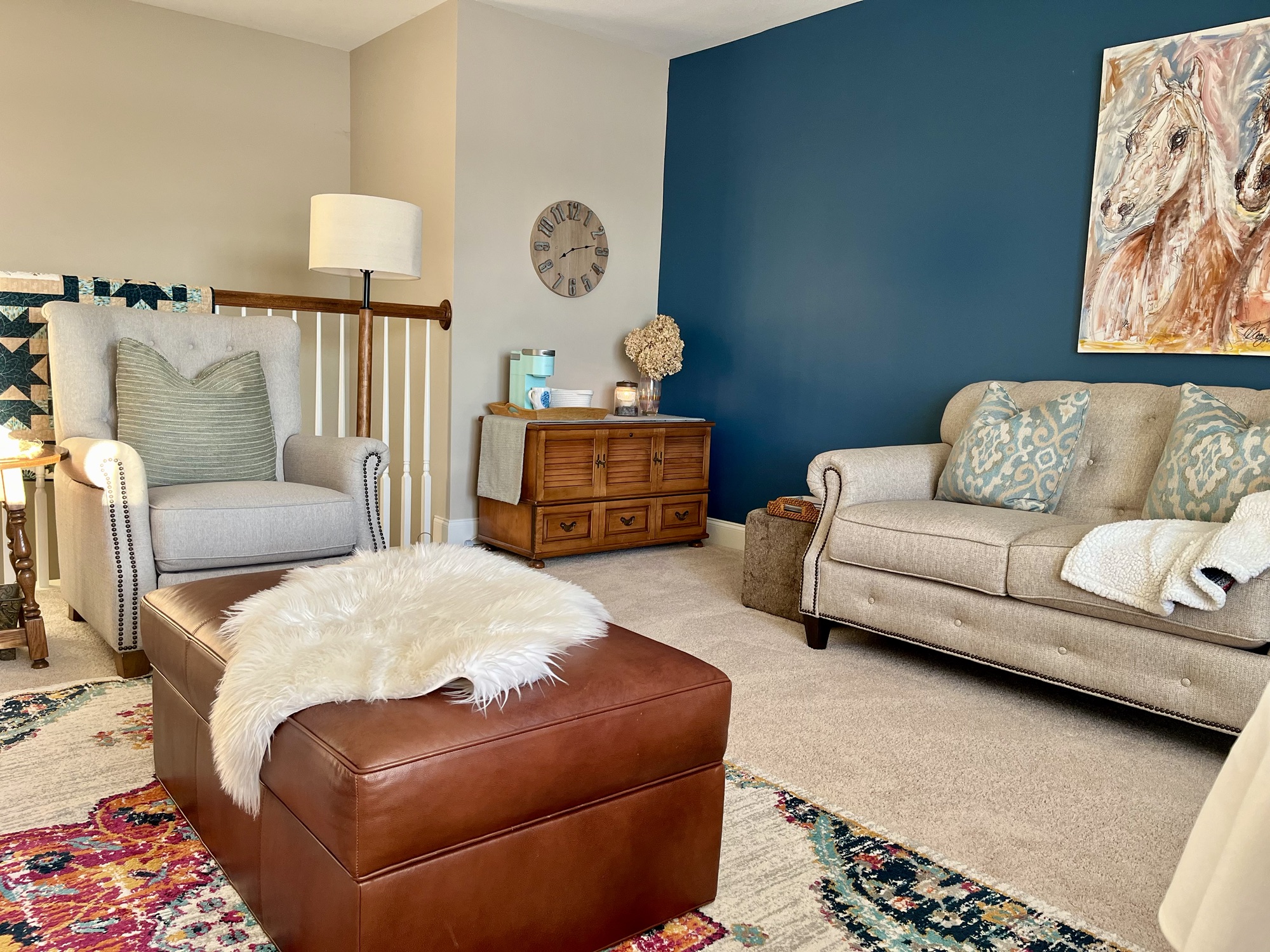
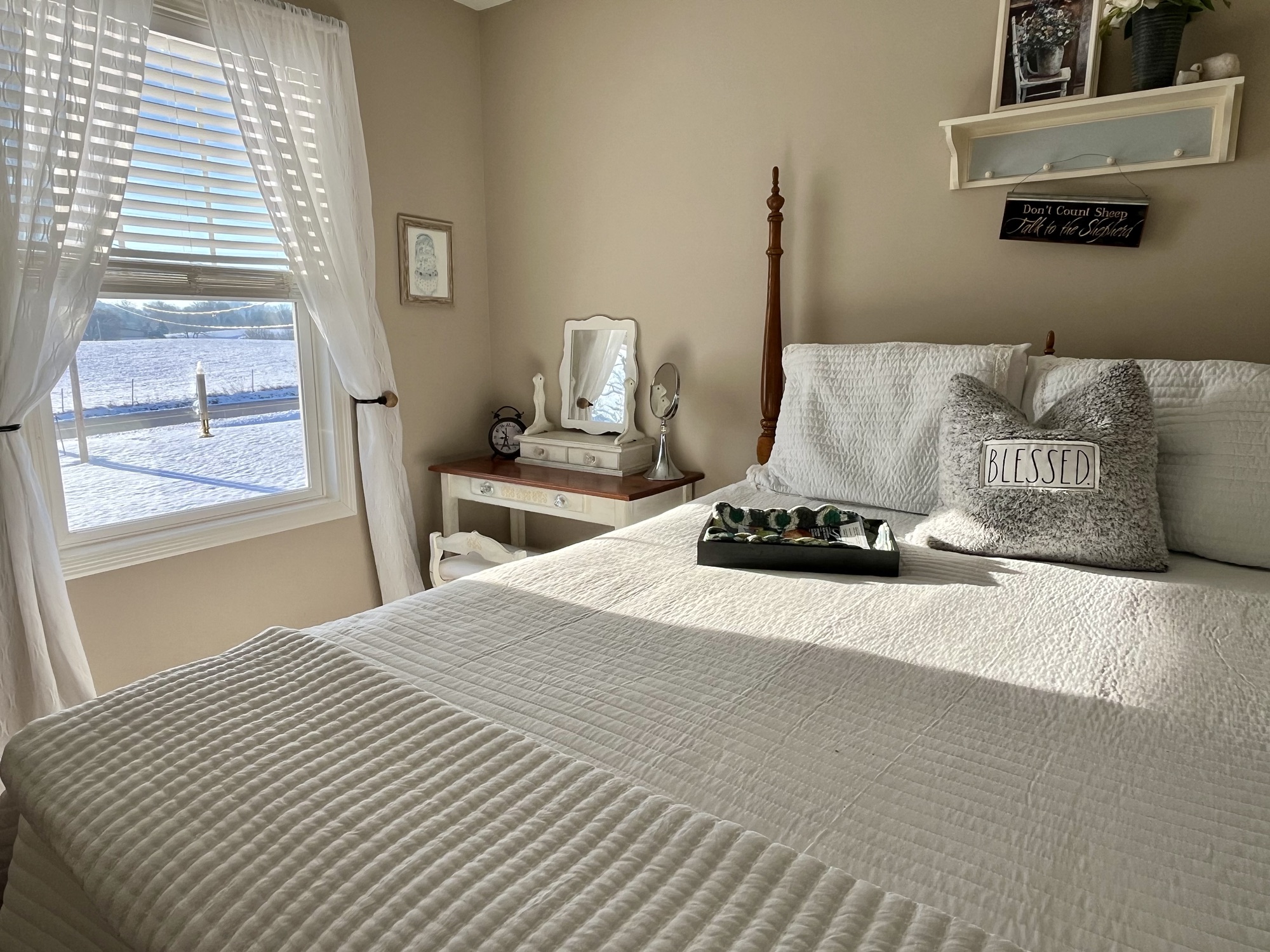
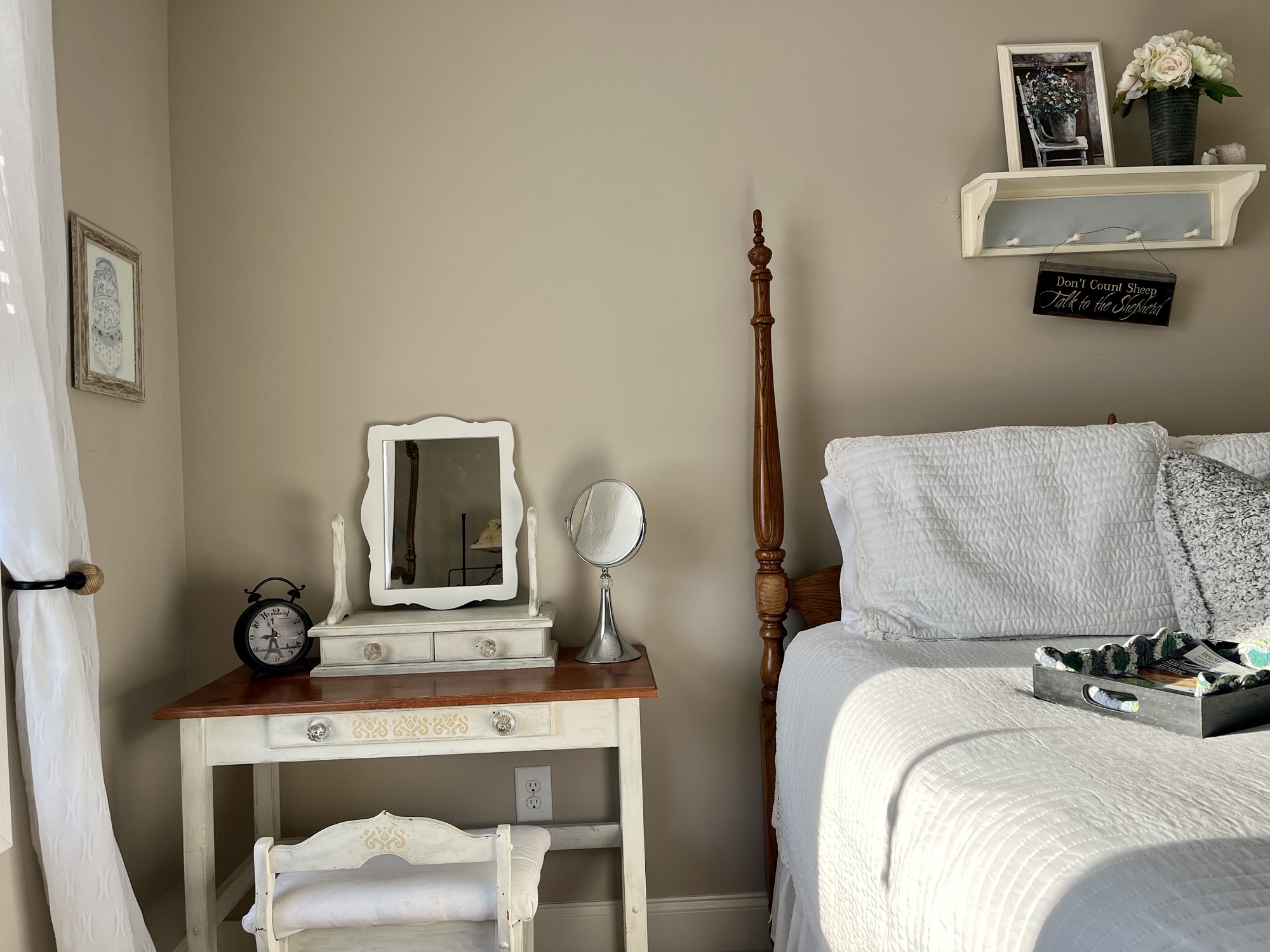
These little iPhone stickers could help you place curtains, pictures or furniture! I’m obsessed!
Does this make sense to you? Do you think it will help you with furniture placement before you lug things through your house?
Refresh the way you move furniture with this fun little tech hack!!


 RefreshHer
I love this! Thanks for sharing such a great tip. And I love how the rooms look with the “new” furniture!
LikeLike
Thanks, Whitney. I’m enjoying the rearrangement so much!
LikeLike
Thanks for sharing, Denise. I have seen the sticker option but wasn’t sure how to use it. I use IG stories to “rearrange furniture,” but this seems much easier. I’m looking forward to trying it!
LikeLike
I’m sure you can do it!
LikeLike
This is such a clever idea, Denise! I don’t have an iPhone but my brother would love this trick. 🙂
LikeLike
It really could be used in so many ways!
LikeLike